Git
Pretty unorganized because it's mostly just terminal commands.
git status
git add filepath
git commit -m "message"
git commit --amend -m "change last commit message"
#see history
git log
git cat-file -p hash
//will return the blob of the commit
git config --add --global key value
	--global
	--local
	~/.gitconfig
git config --get
git config --unset
git config --unset-all
git config --remove-section
git branch my_new_branch //make branch
git switch -c my_new_branch //make and switch to branch
	-c = create
git switch vs git checkout
	same thing. checkout is older. boomers using checkout
git log --oneline --graph --all
git switch -c update_dune COMMITHASH
git reset --hard
//remote
git remote add
//one true repo
git log /
.gitignore
a file hidden so that git ignores whatever is in the file Things that can be inside of .gitignore
filename
directory
.txt match anything that ends with .txt
/main.py will ignore main.py in the directory with .gitignore
.txt
!important.txt
//will ignore all .txt file except important
use # to comment inside the .gitignore file
Fork
Not a git operation. To fork a repo, go to git hosting website and there's a fork. It's just a copy of the repo in github account.
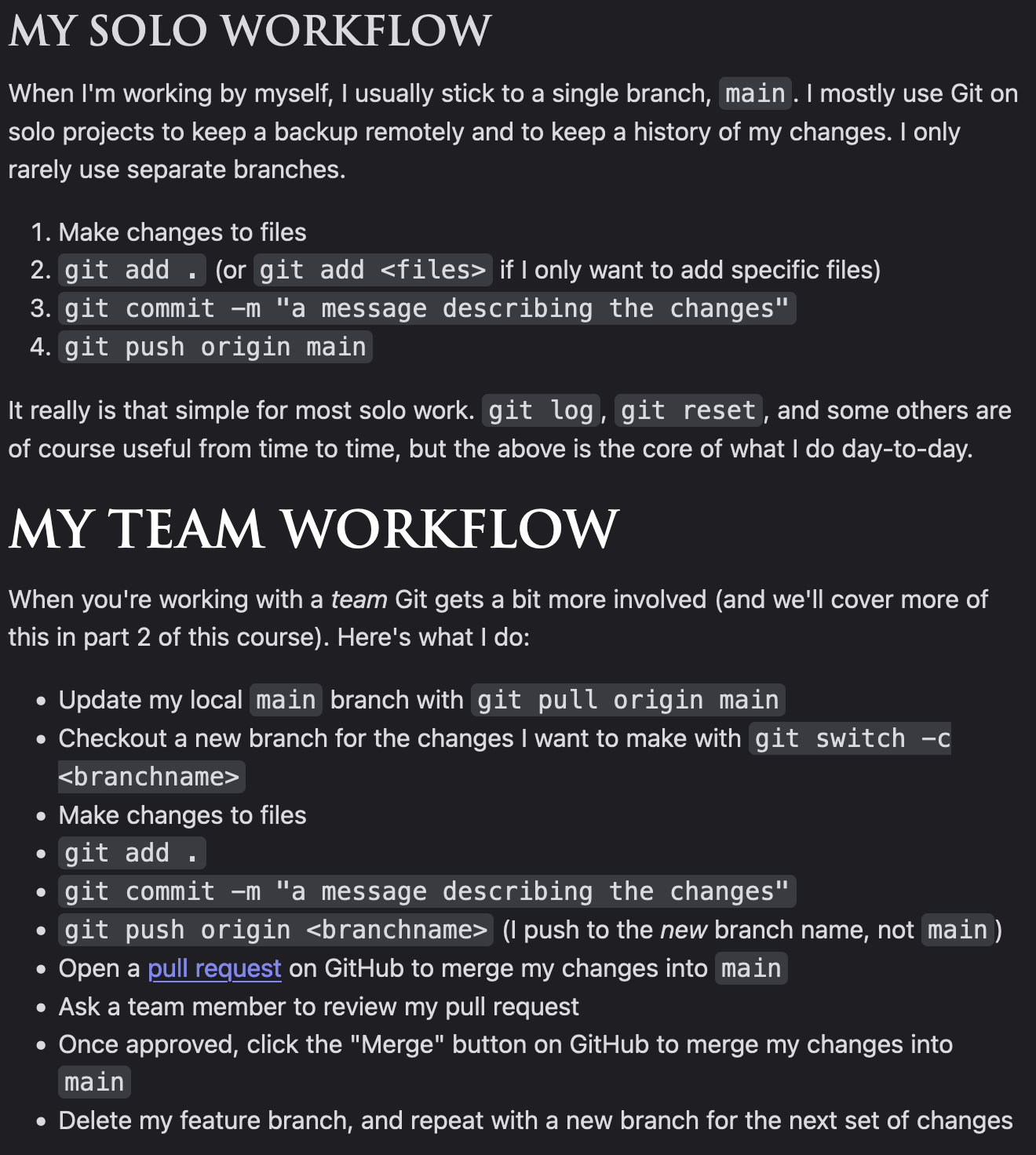
Procedure to contribute:
- fork repo
- clone repo
- make new branch with a name ie: your_feature
- make changes
- commit and push to your repo
- create pull request on original repo
git clone https://github.com/chichigami/megacorp
cd megacorp
git branch
git switch or git checkout
git reflog
git cat-help -p
	the reflog's commit hash
	then the tree commit hash
	then the blob of the file
git switch branch_name
git merge main
	if conflict, fix
git add
git commit
	git log should now show the 2 commit hashes come together
Stash
git stash
git stash pop
git stash list
git stash apply
git cherry-pick
Bisect
Bisec helps you find which commit caused a bug
git bisect start
git bisect good
git bisect bad
Worktree
git worktree add
	optional:  defaults to 's name
git worktree list
cat /.git will link to the main worktree
git worktree remove
git worktree prune
Can't switch branch that is being worked on in another tree
Tags
Useful for versions of the application ie: v1.0, 2.0 etc
git tag
	list all tags
git tag -a "tag_name" -m "tag_description"
	will make it at current commit
git push --tags
Naming convention v1.2.3 1 is for major changes 2 is for minor changes 3 is for bug fixes